ecobee Smart Thermostat Essential: A Simple Upgrade That Can Save Energy
This article contains affiliate links.
ecobee Smart Thermostat Essential: A Simple Upgrade That Can Save Energy
A straightforward upgrade with app control, a color touchscreen, and support for HomeKit, Alexa, and Google Assistant.
I like smart home gadgets that actually save time — not ones that just add more menus.
That’s basically the pitch of the ecobee Smart Thermostat Essential: keep the core stuff simple (touchscreen, app, schedules), still work with the big ecosystems, and quietly help you waste a little less energy with features like eco+. If you want a modern upgrade without turning your hallway into a control panel, it’s worth a look.
Design and first look
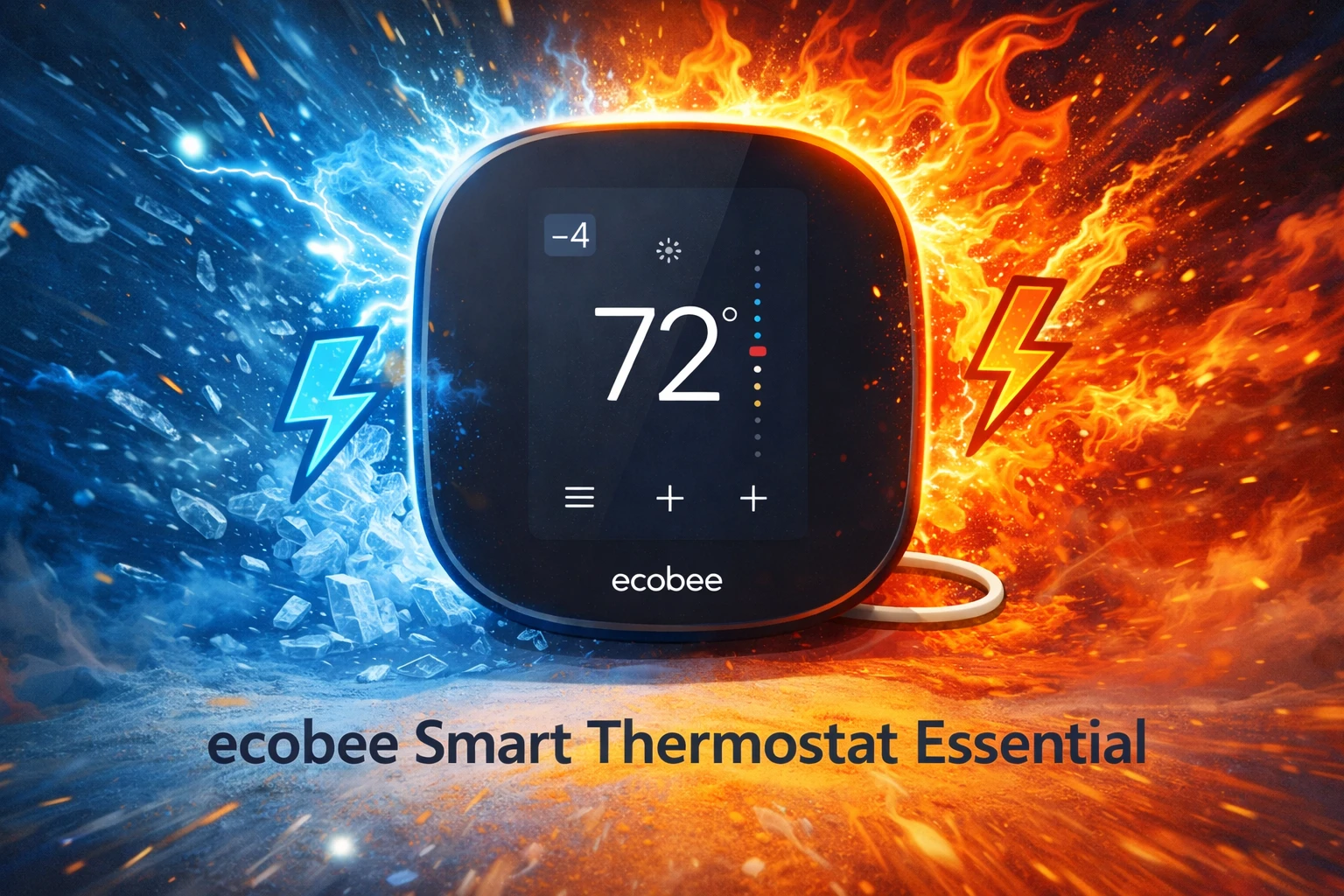
The Essential is built around a color touchscreen with a clean, button-free front. It looks more like a modern wall display than a complicated HVAC controller — which matters, because this is what you’ll be staring at when you’re half-awake and just want the house warmer.
I also like that it doesn’t scream “smart home.” It just looks… normal (in a good way).
⚙️ Setup and compatibility
This is where these things either win you over or ruin your evening.
It’s meant for DIY installation with the ecobee app walking you through it, and it works with a lot of common HVAC setups. Before you buy, though, the real question is power.
If you have a C-wire, installation is usually a normal thermostat swap.
If you don’t have a C-wire, plan on using the included Power Extender Kit. That doesn’t make it “hard,” but it does make it less “open the box and you’re done.”
If you want a truly zero-surprises install, check your wiring first. It’s boring advice, but it can save your evening.
🌡️ Daily use, plus the stories that actually matter
Touchscreen control that feels modern
The screen is responsive and straightforward. Most of the time, I prefer not thinking about my thermostat at all, which is the highest compliment I can give one.
App control that actually matters
App control is the practical win: changing the temperature from bed, checking status when you’re away, and setting vacation mode without standing in the hallway like you’re negotiating with the wall.
Now for the real-life moments:
Story 1: The “I forgot to change it” workday I work in bursts. I make coffee, open my laptop, and suddenly it’s three hours later and I haven’t moved. With a basic schedule-based thermostat, I used to notice the house drifting colder, bump the heat, and then forget to put it back. With the Essential, I set a schedule once and stopped doing “temperature ping-pong.” Less fiddling, fewer tiny interruptions.
Story 2: The unexpected guest sprint A friend texted: “We’re nearby, can we stop by in 15?” The house was in its energy-saving mode and felt a bit chilly. I bumped the temperature from the app while I was still cleaning mugs off the table. By the time the doorbell rang, it was comfortable, and I did not have to do the awkward hallway thermostat tap dance mid-conversation.
Story 3: The cat versus the warm air vent My cat Pixel has strong opinions about warm air. If the heat kicks on, Pixel camps near a vent like it is a luxury spa. The first cold night after installation, Pixel did the usual vent patrol, then returned to the couch looking deeply satisfied. I consider that an unofficial comfort certification.
eco+ features that help without constant tinkering
The eco+ idea is pretty simple: reduce energy use with smarter run times and “away” style behavior so you don’t have to micromanage. If you want energy savings but don’t want to become a thermostat hobbyist, this is the kind of automation that actually makes sense.
✅ Pros
- Simple, modern touchscreen that feels easy to use
- App control that reduces daily “thermostat chores”
- Works with HomeKit, Alexa, and Google Assistant
- Scheduling plus eco+ features designed for energy saving
- A solid upgrade path from a basic schedule-based thermostat
❌ Cons
- If your home lacks a C-wire, installation planning matters more
- Room-by-room optimization depends on add-ons, not the base thermostat
- If you love deep customization, you may want a higher-end model in the lineup
Compared to a basic schedule-based thermostat
A standard thermostat with a schedule can do the basics. The Essential’s advantage is convenience.
You can adjust from anywhere, get reminders, integrate with HomeKit, and lean on energy-saving automation without having to rewrite your schedule every time life changes.
If you never touch your thermostat and your schedule never shifts, a basic model can still be fine. If your weeks are even a little chaotic, the Essential feels like less work.
Who is this for?
This is a good fit for:
People who want something that stays simple day to day
HomeKit households that want a modern thermostat experience
Anyone focused on cutting heating/cooling costs through schedules and eco+ behavior
You may want to skip it if you want an install that’s guaranteed to be a five-minute swap without checking wiring, or if you expect room sensors in the box.
⭐ Final verdict
The ecobee Smart Thermostat Essential hits a sweet spot in 2025: modern touchscreen, solid app experience, broad smart home support, and energy-saving features that don’t demand constant attention.
It feels like a practical upgrade — not a new hobby.
Mia’s rating: 4/5 low-friction upgrades.
It keeps the experience simple, which is exactly what a thermostat should do.
If you want a thermostat upgrade that feels modern without adding extra daily fiddling, this is an easy shortlist pick.